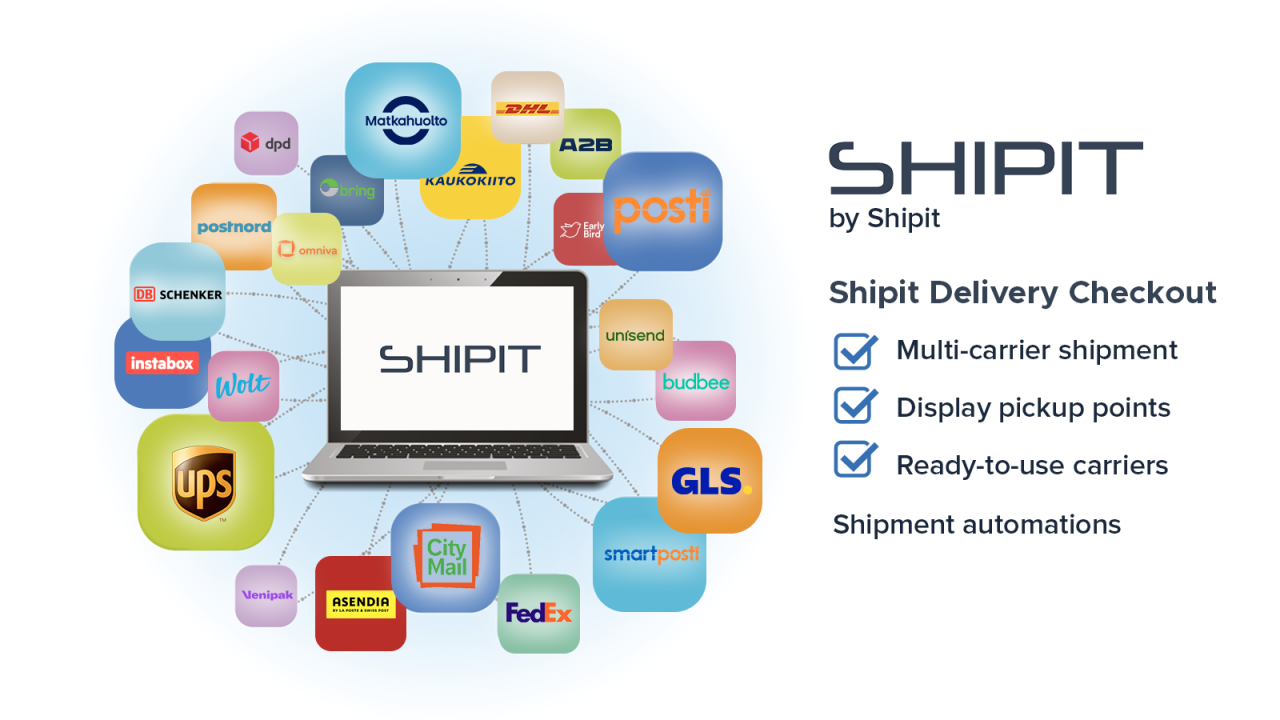
At Shipit, we have one clear goal: to make everyday life easier for online merchants. That’s why we continuously develop our Shipit Delivery Checkout – Shopify app by listening to our customers and responding to their real needs.
We are now happy to introduce two new add-ons that bring more efficiency to order handling in the warehouse and to deliveries from multiple warehouses.
These new add-ons are designed for merchants who want to reduce manual work, lower the risk of errors, and keep their delivery processes clear and manageable – even during busy periods.
Shipit Pack & Scan – smoother order handling in the warehouse
Shipit Pack & Scan has been developed to simplify daily warehouse work for online merchants.
The add-on brings clarity to order handling by enabling the printing of packing slips and the printing or downloading of shipping labels with a single scan. With the right settings in place, the order can also be marked as processed at the same time, allowing work to move forward smoothly while reducing the risk of errors.
Packing slip feature included
With the Pack & Scan add-on, you also get a packing slip feature.
You can print packing slips directly from Shopify orders and use them to support order handling – either one order at a time or in batches. Packing slips help keep warehouse work organised and easy to follow.
One scan is enough
When automatic printing and order processing are enabled, scanning the packing slip takes care of everything automatically: the shipping label is printed or downloaded immediately, and the order is marked as processed. Everything happens in a single view, without unnecessary clicking or switching between views, tabs, or orders.
Pack & Scan is ideal for:
handling individual orders
processing multiple orders at once
online stores that want to clarify and streamline warehouse workflows
Benefits for online merchants
Printing packing slips supports organised order handling
A single-scan workflow speeds up shipping label processing
Fewer errors thanks to automated key steps
Everything in one view – shipping labels and order processing without switching between views
Smoother daily warehouse operations, even during busy times
Trial period and pricing
The Pack & Scan add-on includes a 14-day free trial.
After the trial period, billing starts automatically.
The price depends on your Shopify plan:
Basic: $ 9.90 / month
Grow: $ 19.90 / month
Advanced: $ 29.90 / month
Plus: $ 39.90 / month
You can cancel the add-on at any time during the trial period
Activate Pack & Scan and try it free for 14 days:
https://shipit.fi/shopify-shipit-pac-and-scan

Shipit Multi Location – deliveries from multiple warehouses in Shopify
Does your online store have multiple warehouses or stock locations?
The Shipit Shopify Delivery Checkout Multi Location add-on supports deliveries from multiple warehouses and locations within a single Shopify store and enables the use of correct delivery methods and warehouse-specific sender details at checkout.
With Multi Location, the correct delivery methods, prices, and sender details are selected automatically based on the order and the warehouse location. This makes multi-warehouse deliveries possible without multiple Shopify stores or manual configuration.
To ensure deliveries from multiple warehouses work correctly, rules are defined for each delivery method so that Shipit knows:
from which warehouse the products are shipped
when the delivery method is shown at checkout
Delivery methods are easily controlled based on warehouse and product collections.
Benefits for online merchants
Deliveries from multiple warehouses within a single Shopify store
Correct delivery methods shown at checkout based on warehouse and products
Delivery prices and sender details are set automatically per warehouse
Less manual work and fewer errors thanks to rule-based delivery logic
A clear and controlled delivery process, even with multiple warehouses or locations
A better customer experience when only relevant delivery options are shown at checkout
Trial period and pricing
The Multi-Location add-on includes a 14-day free trial.
After the trial period, billing starts automatically.
Price: $ 10 / month
You can cancel the add-on at any time during the trial period
Activate Multi-Location and try it free for 14 days:
https://shipit.fi/shopify-shipit-multi-location

Where can I activate the add-ons?
Both add-ons can be activated directly in the Shipit Delivery Checkout app in Shopify:
Open the Shipit Delivery Checkout app
Go to Subscription Plans
Select the add-on you want and click Subscribe
The free trial period starts automatically.

We continuously develop the Shipit Shopify app – for you
These new add-ons are built based on customer feedback and real usage needs. At Shipit, we want to provide online merchants with tools that make everyday operations smoother: less manual work, fewer errors, and more control.
The Shipit Delivery Checkout – Shopify app continues to evolve so you can focus on sales and growth – while we make sure deliveries and order handling work smoothly.
Learn more about the Shipit Shopify Delivery Checkout add-on and download it from the Shopify App Store.